

从零到端到端自动驾驶实战-第 10 章-ROSMASTER-X3 基础——让小车跑起来
ros1
启动服务:
Last login: Mon Jun  8 23:21:23 2026 from 172.20.10.8
workspace link to X3 + ROBOT_TYPE: X3
-----------------------
MY_IP: 172.20.10.10
ROS_MASTER_URI:
http://172.20.10.10:11311
my_robot: X3 | my_lidar: a1 | my_camera: astraplus
-----------------------
jetson@yahboom:~$ roscore
... logging to /home/jetson/.ros/log/f8268026-634d-11f1-b926-488f4cfd4176/roslaunch-yahboom-21687.log
Checking log directory for disk usage. This may take a while.
Press Ctrl-C to interrupt
Done checking log file disk usage. Usage is <1GB.

started roslaunch server http://172.20.10.10:38629/
ros_comm version 1.14.13

SUMMARY
========

PARAMETERS
 * /rosdistro: melodic
 * /rosversion: 1.14.13

NODES

auto-starting new master
process[master]: started with pid [22035]
ROS_MASTER_URI=http://172.20.10.10:11311/

setting /run_id to f8268026-634d-11f1-b926-488f4cfd4176
process[rosout-1]: started with pid [22083]
started core service [/rosout]
相关操作:
jetson@yahboom:~$ source /opt/ros/melodic/setup.bash
jetson@yahboom:~$ source ~/yahboomcar_ws/devel/setup.bash
jetson@yahboom:~$ pwd
/home/jetson
jetson@yahboom:~$ ls -l
total 240
-rw-rw-r--  1 jetson jetson 130601 11月  1  2022 2022-11-01-21-29-01.bag
-rw-rw-r--  1 jetson jetson      0 7月   4  2023 bashrc
-rwxrwxrwx  1 jetson jetson  10284 6月  28  2022 damaged.jpg
drwxrwxrwx  2 jetson jetson   4096 11月 29  2022 Desktop
drwxrwxrwx  2 jetson jetson   4096 9月  23  2022 Documents
drwxrwxrwx  2 jetson jetson   4096 1月  23  2025 Downloads
-rwxrwxrwx  1 jetson jetson   8980 12月 11  2021 examples.desktop
drwxrwxrwx  6 jetson jetson   4096 9月  23  2022 KNN
drwxrwxrwx  2 jetson jetson   4096 9月  23  2022 Music
drwxrwxrwx  3 jetson jetson   4096 9月  23  2022 opencv_apps
drwxrwxrwx  2 jetson jetson   4096 4月  19  2024 Pictures
drwxrwxrwx  2 jetson jetson   4096 9月  23  2022 program
drwxrwxrwx  2 jetson jetson   4096 9月  23  2022 Public
drwxr-xr-x  2 jetson jetson   4096 11月 17  2022 __pycache__
drwxrwxrwx  3 jetson jetson   4096 9月  23  2022 Pytorch_demo
drwxrwxrwx  8 jetson jetson   4096 7月   4  2023 ROS
drwxrwxrwx  8 jetson jetson   4096 4月  16  2024 Rosmaster
drwxrwxrwx 21 jetson jetson   4096 12月 14  2023 software
drwxrwxrwx  2 jetson jetson   4096 9月  23  2022 Templates
drwxrwxrwx  3 jetson jetson   4096 9月  23  2022 TensorFlow_demo
-rwxrwxrwx  1 jetson jetson    757 7月  25  2024 Version.txt
drwxrwxrwx  2 jetson jetson   4096 9月  23  2022 Videos
-rwxrwxrwx  1 jetson jetson    366 4月   8  2022 voice_ctrl_test.py
lrwxrwxrwx  1 jetson jetson     33 6月   8 23:21 yahboomcar_ws -> /home/jetson/ROS/X3/yahboomcar_ws
-rwxrwxrwx  1 jetson jetson  11030 8月   5  2021 yahboom.jpg
jetson@yahboom:~$ rosnode list
ERROR: Unable to communicate with master!
jetson@yahboom:~$ rosnode list
/rosout
jetson@yahboom:~$ rostopic list
/rosout
/rosout_agg
jetson@yahboom:~$ rosnode info /rosout
--------------------------------------------------------------------------------
Node [/rosout]
Publications:
 * /rosout_agg [rosgraph_msgs/Log]

Subscriptions:
 * /rosout [unknown type]

Services:
 * /rosout/get_loggers
 * /rosout/set_logger_level

contacting node http://172.20.10.10:40375/ ...
Pid: 22083

jetson@yahboom:~$ rostopic echo /rosout_agg
^Cjetson@yahboom:~$ rosservice list
/rosout/get_loggers
/rosout/set_logger_level
jetson@yahboom:~$ rosnode list | grep -i driver
jetson@yahboom:~$
问题处理:
经过一番倒腾,发现是主板有一个开关和主板各 USB 线接线连接问题,重新拔了线然后打开就可以连上了,雷达也自动转起来了:
官方答案:这个是没有识别到usb扩展板,可以检查usb扩展板上的开关有没有打开,重新拔插一下usb扩展板和主板的接线。如果唯有按照教程绑定语音扩展板,请拔掉语音扩展板的接线。
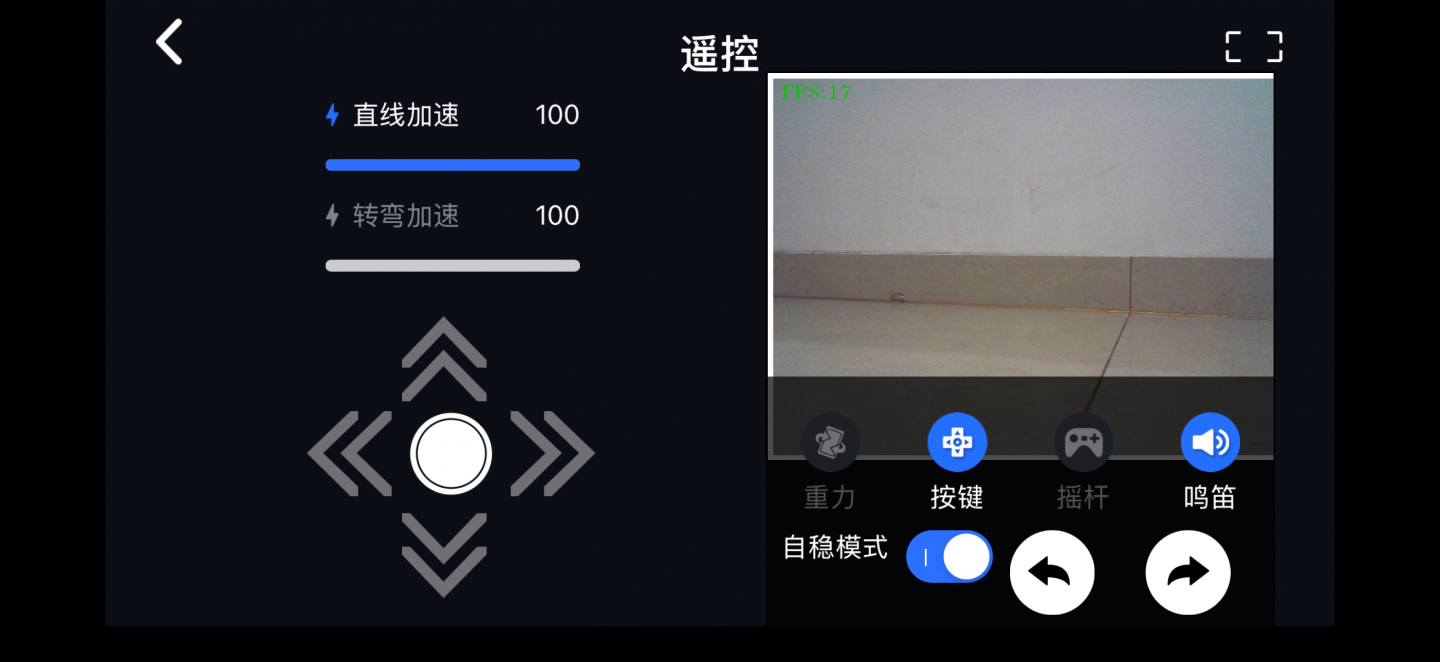
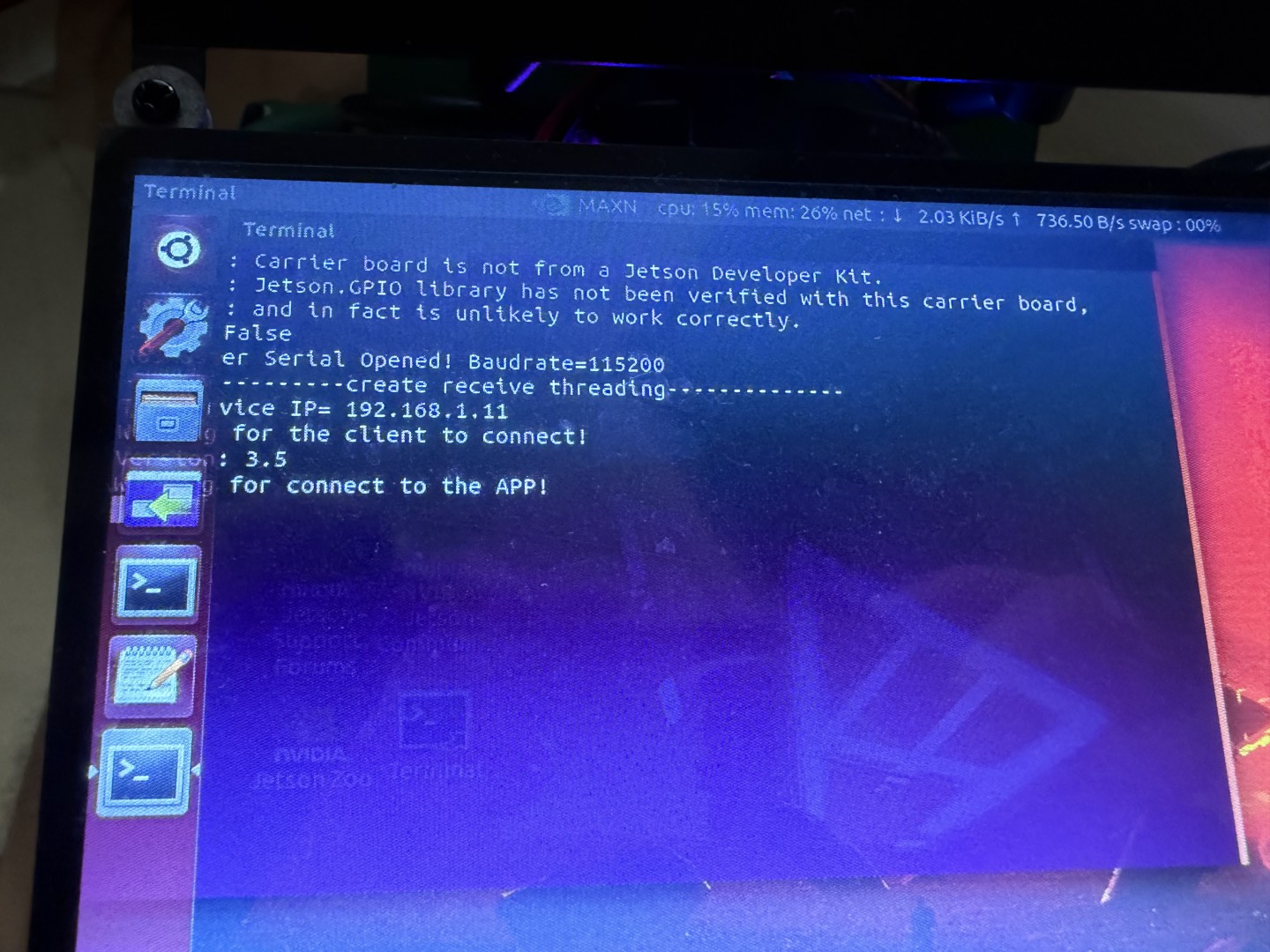
以下为操作截图: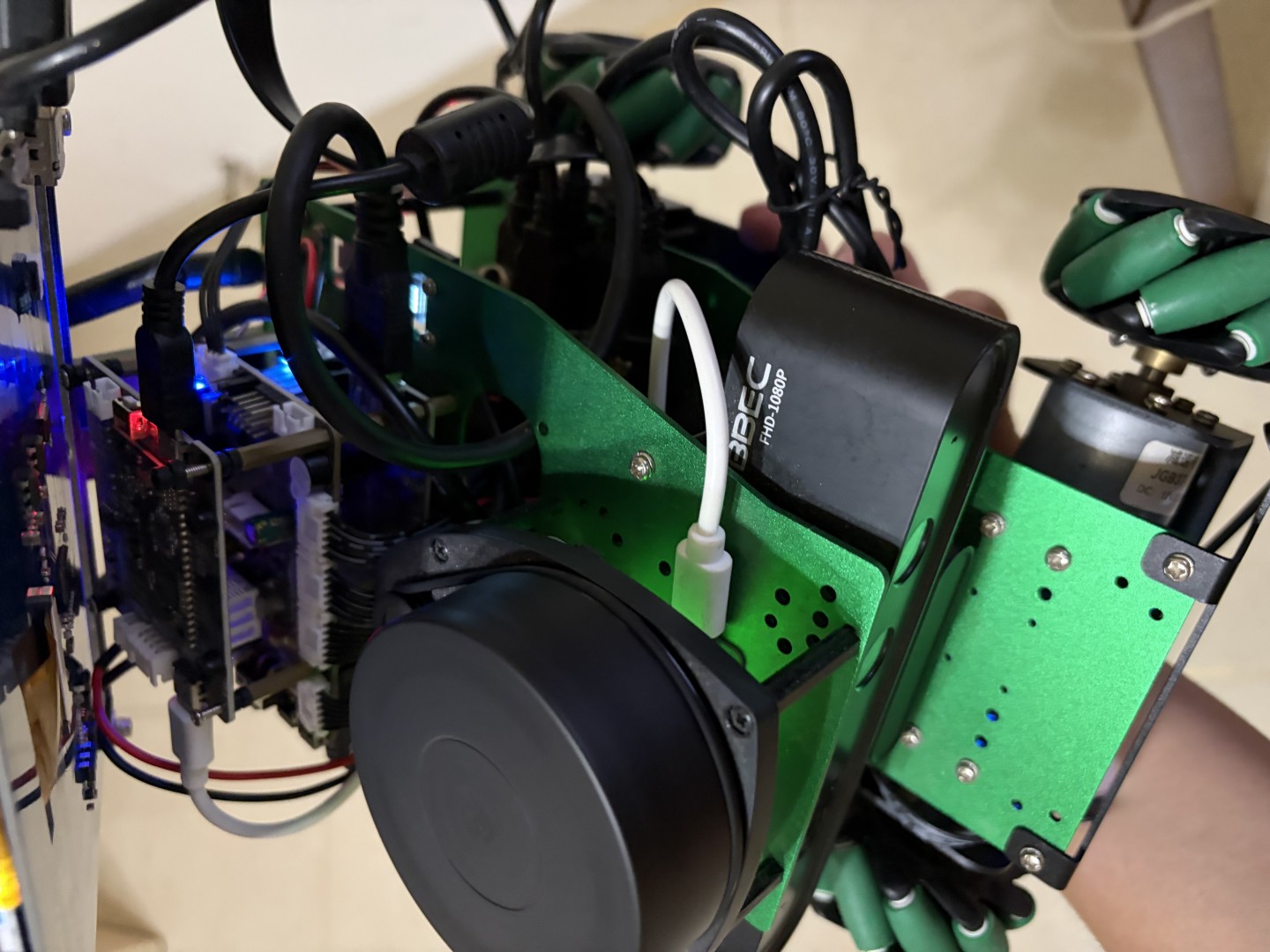
调试
正常启动的后端:
Welcome to Ubuntu 18.04.6 LTS (GNU/Linux 4.9.253-tegra aarch64)

 * Documentation:  https://help.ubuntu.com
 * Management:     https://landscape.canonical.com
 * Support:        https://ubuntu.com/advantage
This system has been minimized by removing packages and content that are
not required on a system that users do not log into.

To restore this content, you can run the 'unminimize' command.

729 updates can be applied immediately.
305 of these updates are standard security updates.
To see these additional updates run: apt list --upgradable

Last login: Fri Jun 12 00:04:43 2026 from 172.20.10.8
workspace link to X3 + ROBOT_TYPE: X3
-----------------------
MY_IP: 192.168.31.238
ROS_MASTER_URI:
http://192.168.31.238:11311
my_robot: X3 | my_lidar: a1 | my_camera: astraplus
-----------------------
jetson@yahboom:~$
roscore 启动服务:
Last login: Mon Jun 15 00:12:25 2026 from 192.168.31.218
workspace link to X3 + ROBOT_TYPE: X3
-----------------------
MY_IP: 192.168.31.238
ROS_MASTER_URI:
http://192.168.31.238:11311
my_robot: X3 | my_lidar: a1 | my_camera: astraplus
-----------------------
jetson@yahboom:~$ roscore
... logging to /home/jetson/.ros/log/e99837ee-680b-11f1-9b2d-488f4cfd4176/roslaunch-yahboom-10407.log
Checking log directory for disk usage. This may take a while.
Press Ctrl-C to interrupt
Done checking log file disk usage. Usage is <1GB.

started roslaunch server http://192.168.31.238:42175/
ros_comm version 1.14.13

SUMMARY
========

PARAMETERS
 * /rosdistro: melodic
 * /rosversion: 1.14.13

NODES

auto-starting new master
process[master]: started with pid [10479]
ROS_MASTER_URI=http://192.168.31.238:11311/

setting /run_id to e99837ee-680b-11f1-9b2d-488f4cfd4176
process[rosout-1]: started with pid [10528]
started core service [/rosout]
操作节点:
# ROS 1 必须 source 两层:系统层 + 你的工作空间
source /opt/ros/melodic/setup.bash
source ~/yahboomcar_ws/devel/setup.bash

# Yahboom 一般已写进 ~/.bashrc,新终端自动加载。验证:
echo $ROS_MASTER_URI
http://172.20.10.10:11311   # 有输出说明环境 OK

# 节点操作:
roscore                     # 开启服务
rosnode list              # 列出所有运行中的节点 ← 最常用
rosnode info /节点名     # 看节点详情:它发布/订阅了哪些话题
rosnode ping /节点名     # 测节点是否存活
rosnode kill /节点名     # 杀掉某节点
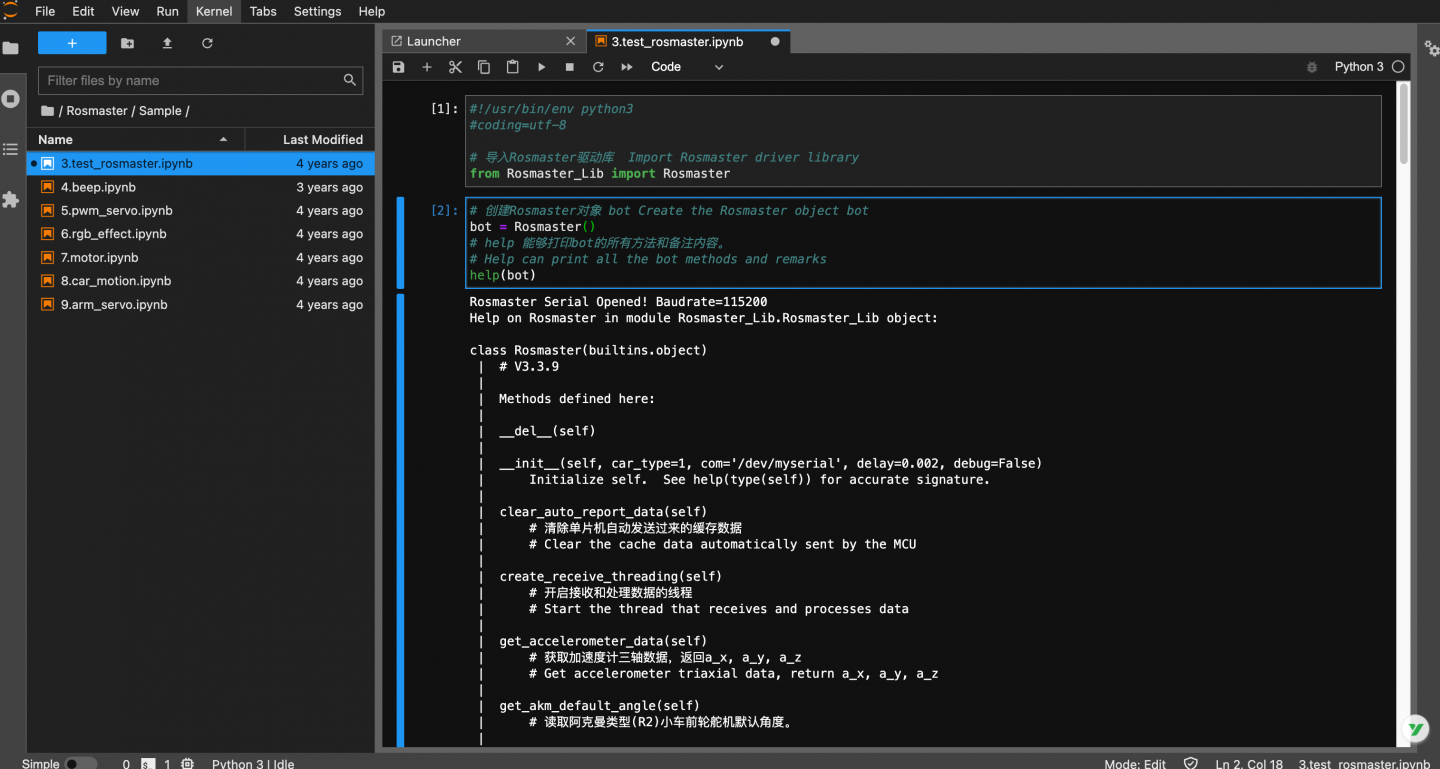
Jupyter 开发
http://192.168.31.238:8888/lab
密码:yahboom
相关文章:
基于ROS1开发使用|安装及常用工具命令
为者常成,行者常至
自由转载-非商用-非衍生-保持署名(创意共享3.0许可证)


